
How to Automate Instagram Story Reply DMs
Instagram Stories are highly personal. When a follower replies to your Story, they are starting a one-on-one conversation. This high-intent engagement is a massive opportunity to build relationships, share resources, and generate leads. However, typing replies to hundreds of Story replies manually is exhausting.
In this guide, we show you exactly how to set up Instagram Story reply automation so KwikDM responds to your Story interactions on autopilot.
What Is Instagram Story Reply Automation?
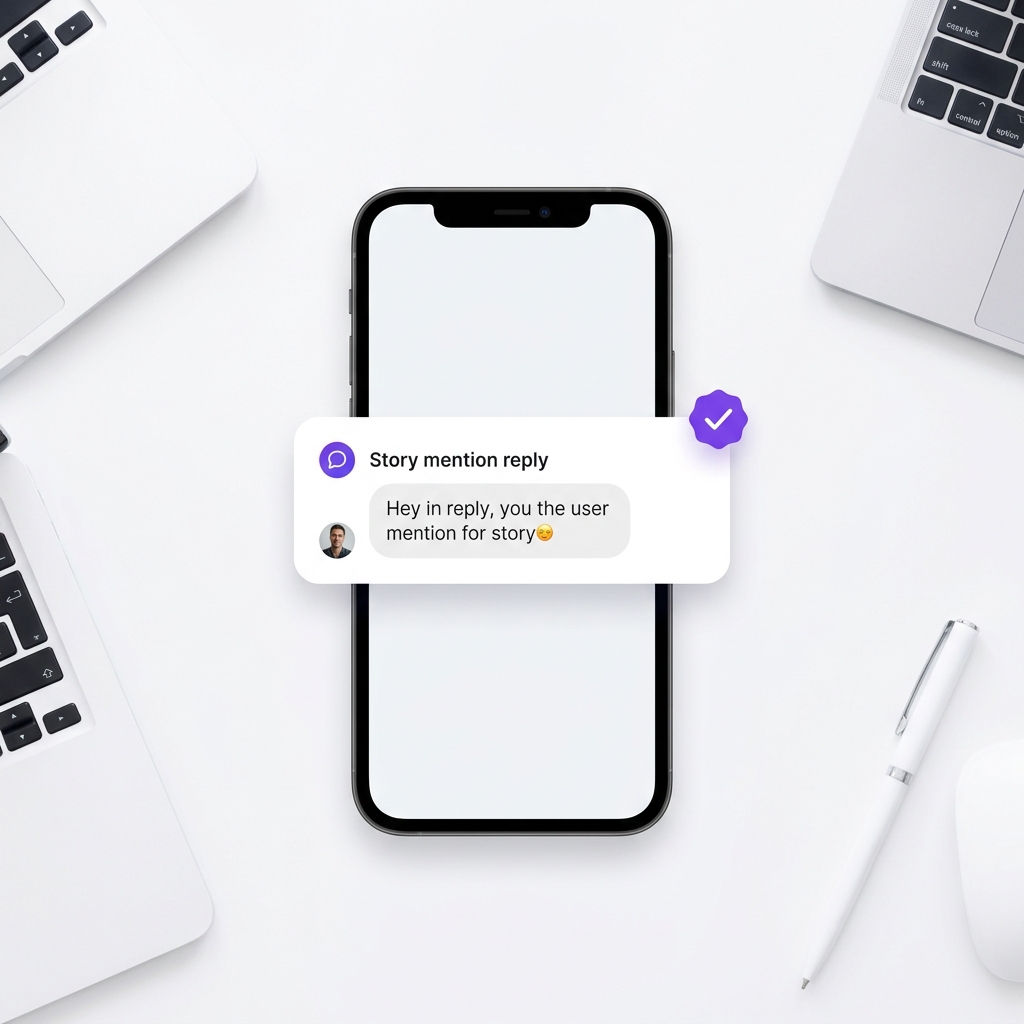
Story reply automation triggers a direct message whenever someone interacts with your Instagram Stories. KwikDM supports the following Story trigger:
- Story Reply Trigger: Fires a DM when a user replies directly to one of your active Stories.
How to Automate Story Replies in KwikDM
Step 1: Choose Your Trigger
Navigate to your KwikDM panel and click Create Automation. In Step 1, select Replies to your Story as your trigger event.
Step 2: Choose the Scope
You can choose to automate replies for any Story you publish, or select a specific active Story that you want to target for a specific campaign.
Step 3: Define Message Variants
To make your automated responses look natural and avoid spam flags, KwikDM lets you define multiple message variations. The system will rotate through these variations randomly.
Real Use Cases for Story Automation
Here are three highly effective ways creators use Story automation to convert engagement:
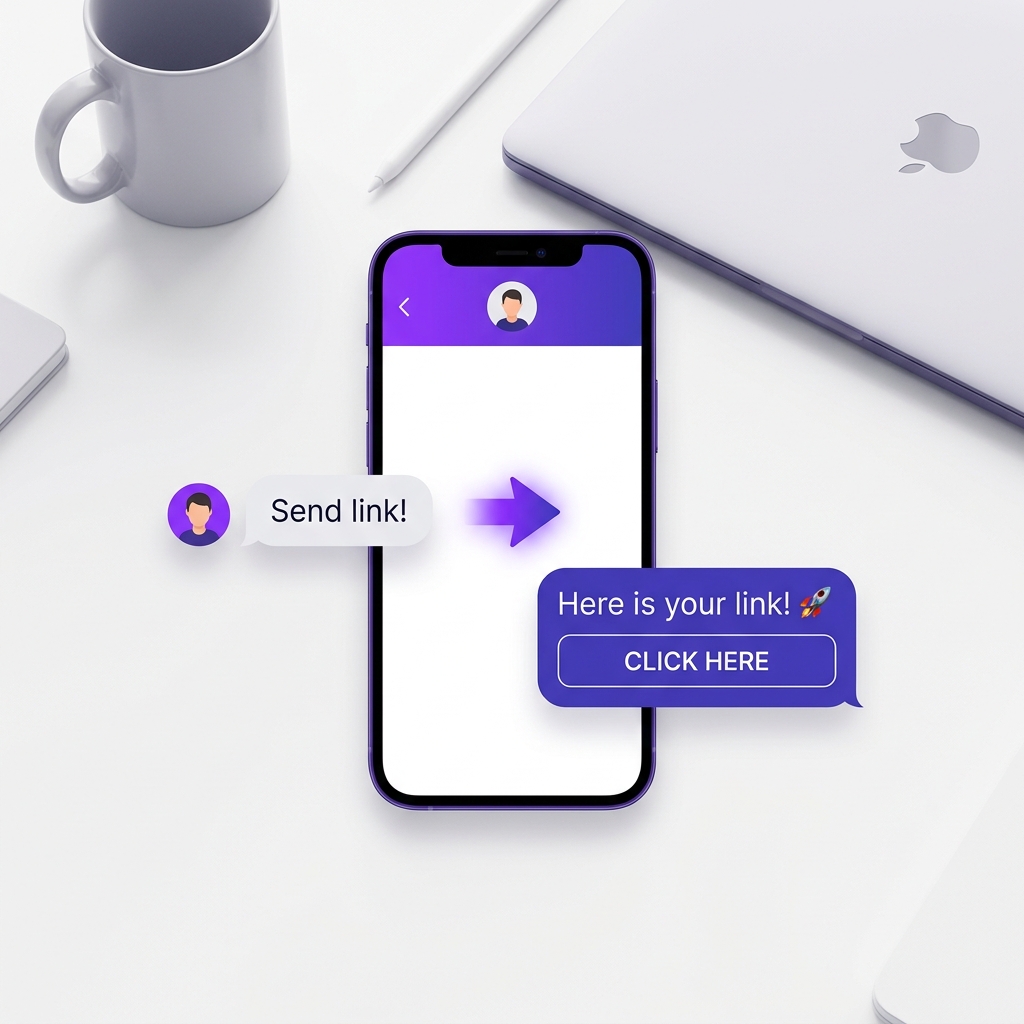
- Flash Sales: Post a story showing a product or discount, and ask viewers to reply with the keyword "DEAL". KwikDM will automatically send the checkout link in their DMs.
- Lead Magnets: Share a sneak peek of a new guide on your Story and ask users to reply to get the PDF link.
- Q&A Follow-ups: Post a Story asking a question or sparking a conversation, and ask viewers to reply. KwikDM will automatically reply in DMs with details or start a conversation.
Frequently Asked Questions
Ready to scale your Instagram?
Try KwikDM Pro free for 7 days. Experience unlimited automations and advanced growth features.
Start 7-Day Trial →