
What Is a Link-in-Bio Page? Complete Guide for Creators
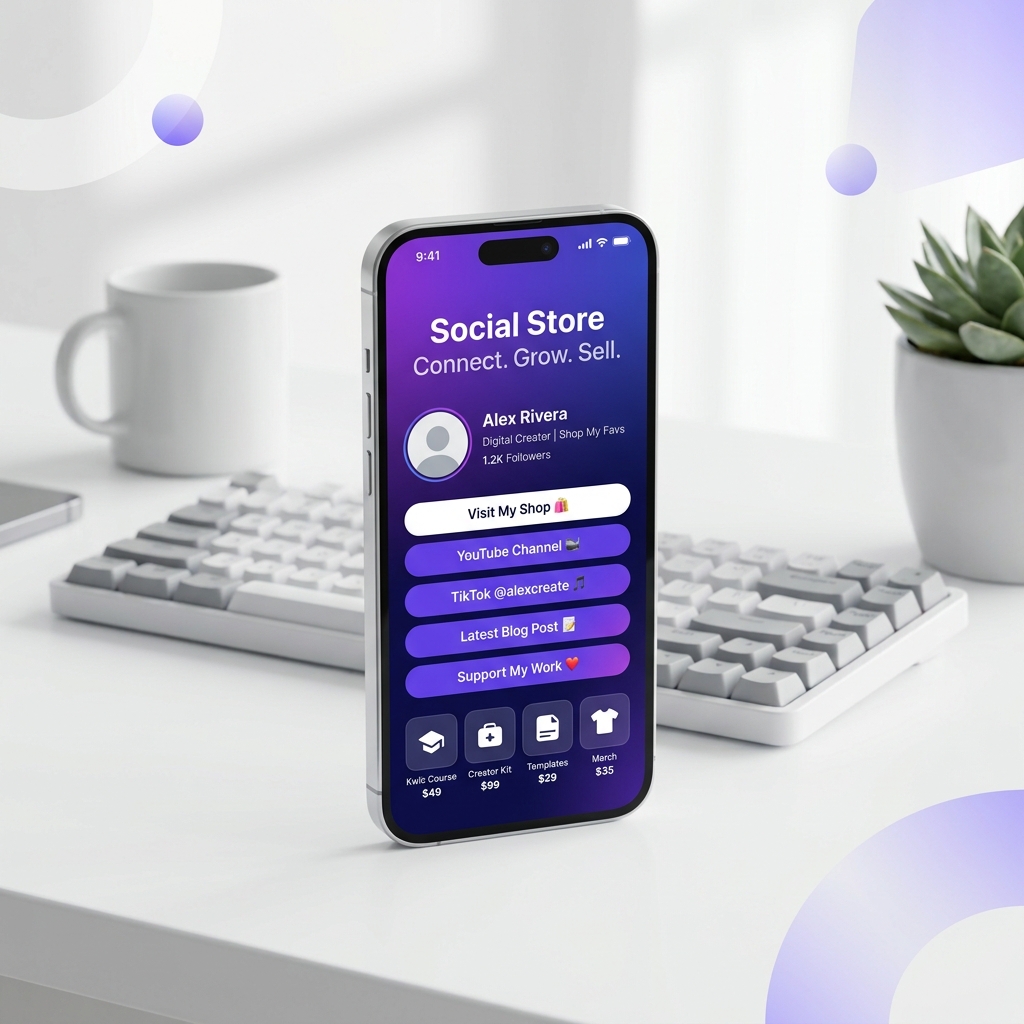
If you look at almost any creator profile on Instagram, you will see the phrase "Link in bio" written in their captions or bio text. Instagram only allows you to put one clickable web link on your profile page. A link-in-bio page solves this limitation by turning that single link into a landing page hosting all your important links.
The Problem: The Single Link Limitation
Creators often have multiple places they want to send their audience:
- A YouTube channel or latest video
- A product storefront or course page
- A newsletter sign-up form
- Other social media profiles (TikTok, Twitter/X, LinkedIn)
- A personal website or portfolio
If you constantly swap out the link in your bio to match your latest post, older posts pointing to the link in your bio become broken. A permanent link-in-bio landing page means you never have to change your main link again.
How to Set Up Your KwikDM Social Store
Creating your social link storefront takes less than five minutes:
- Log in to your KwikDM account and navigate to the Social Store tab.
- Click Add Link to select from over 50 supported platform templates (YouTube, TikTok, Spotify, WhatsApp, etc.).
- Enter your link URL and give it a custom title and subtitle.
- Drag and drop your links to arrange them in order of importance.
- Choose a pre-built design theme or customize the background, text color, and font to match your branding.
Best Practices for a High-Converting Bio Page
Do not clutter your landing page with dozens of links. Focus on these best practices:
- Keep it simple: Stick to 3–6 active links. Too many choices overwhelm visitors and reduce click-through rates.
- Use descriptive text:Instead of "My Website," use "Read My Latest Blog Post." Make the value obvious.
- Design for mobile first: 99% of your Instagram visitors will view this page on a mobile phone. KwikDM pages are optimized to load lightning-fast on mobile devices.
- Highlight your primary goal: If you want email signups, place your newsletter link at the very top.
Frequently Asked Questions
Ready to scale your Instagram?
Try KwikDM Pro free for 7 days. Experience unlimited automations and advanced growth features.
Start 7-Day Trial →